Not a companion afterthought.
The phone experience is part of TideView, with navigation and controls designed for touch.
ONE TIDEVIEW APP · EVERY SCREEN
Your movies, shows, live TV, music and memories—together in one beautiful app that follows you from the couch to your pocket.
7-day free trial · then $4/month
Early-supporter server plan · Early access is being prepared
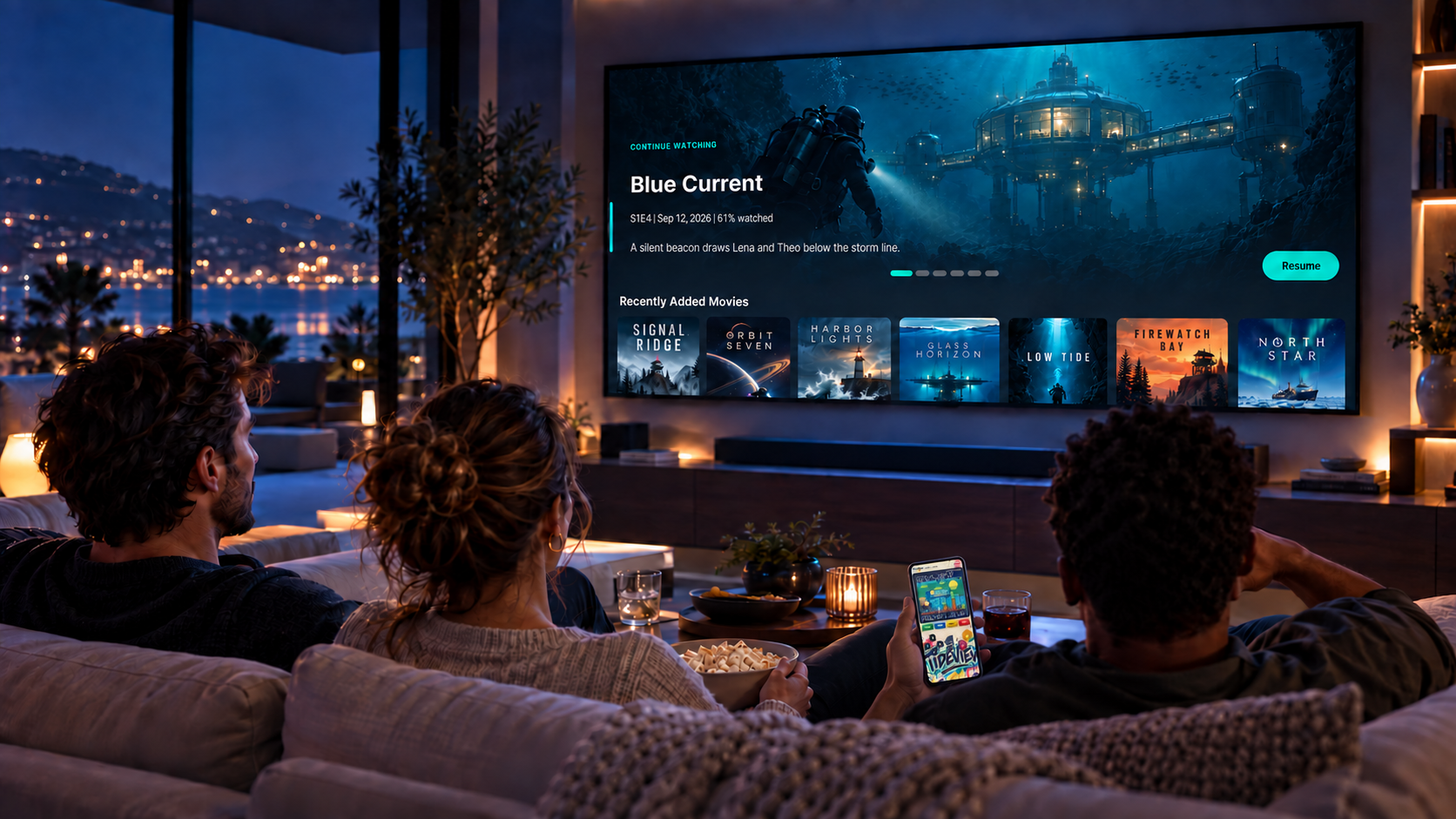
ONE APP. EVERYTHING TIDEVIEW.
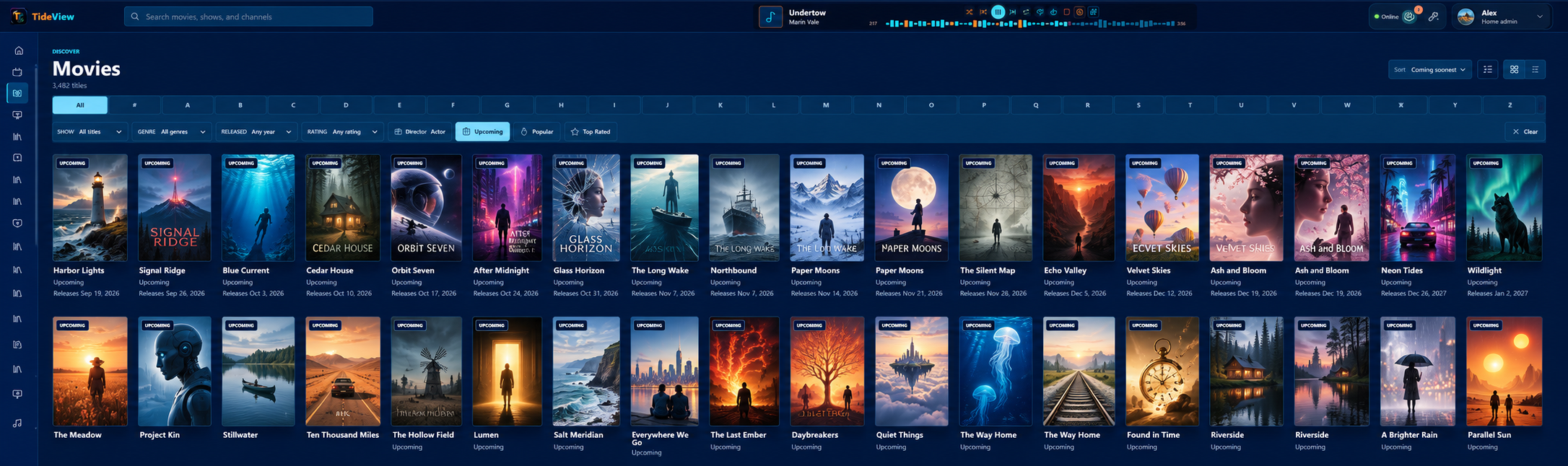
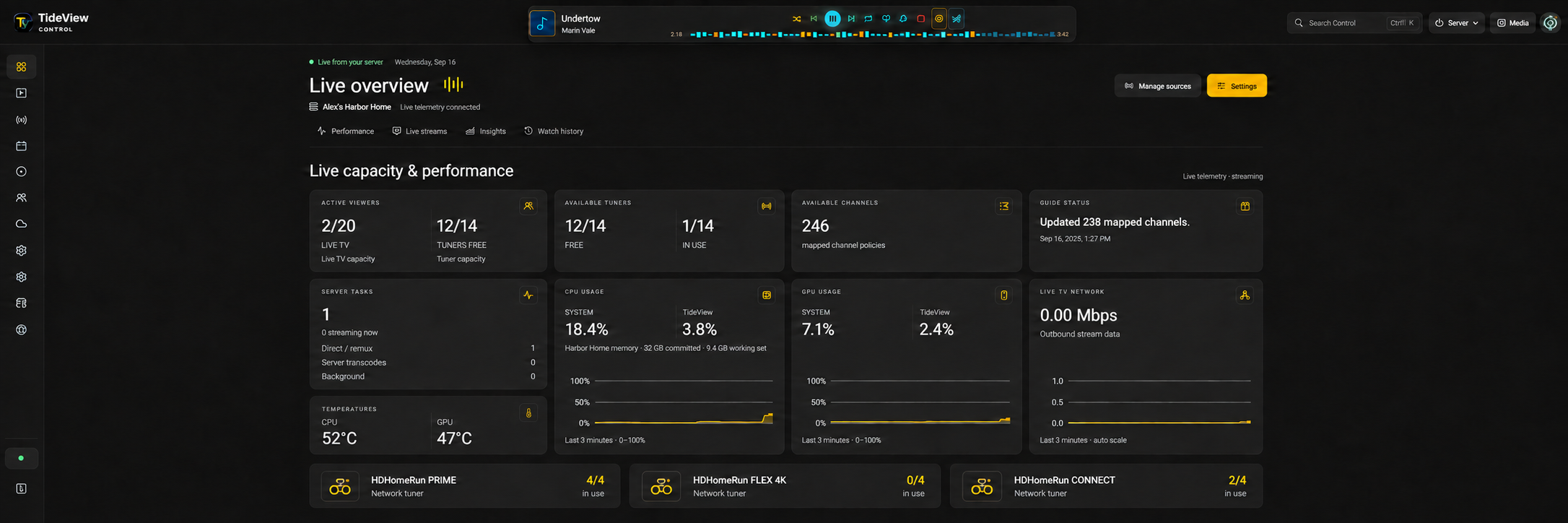
Use one connected TideView experience for personal media and live TV, TideShift Music, profiles, server status and controls, photo backup and Games—across TV, mobile and PC/web.
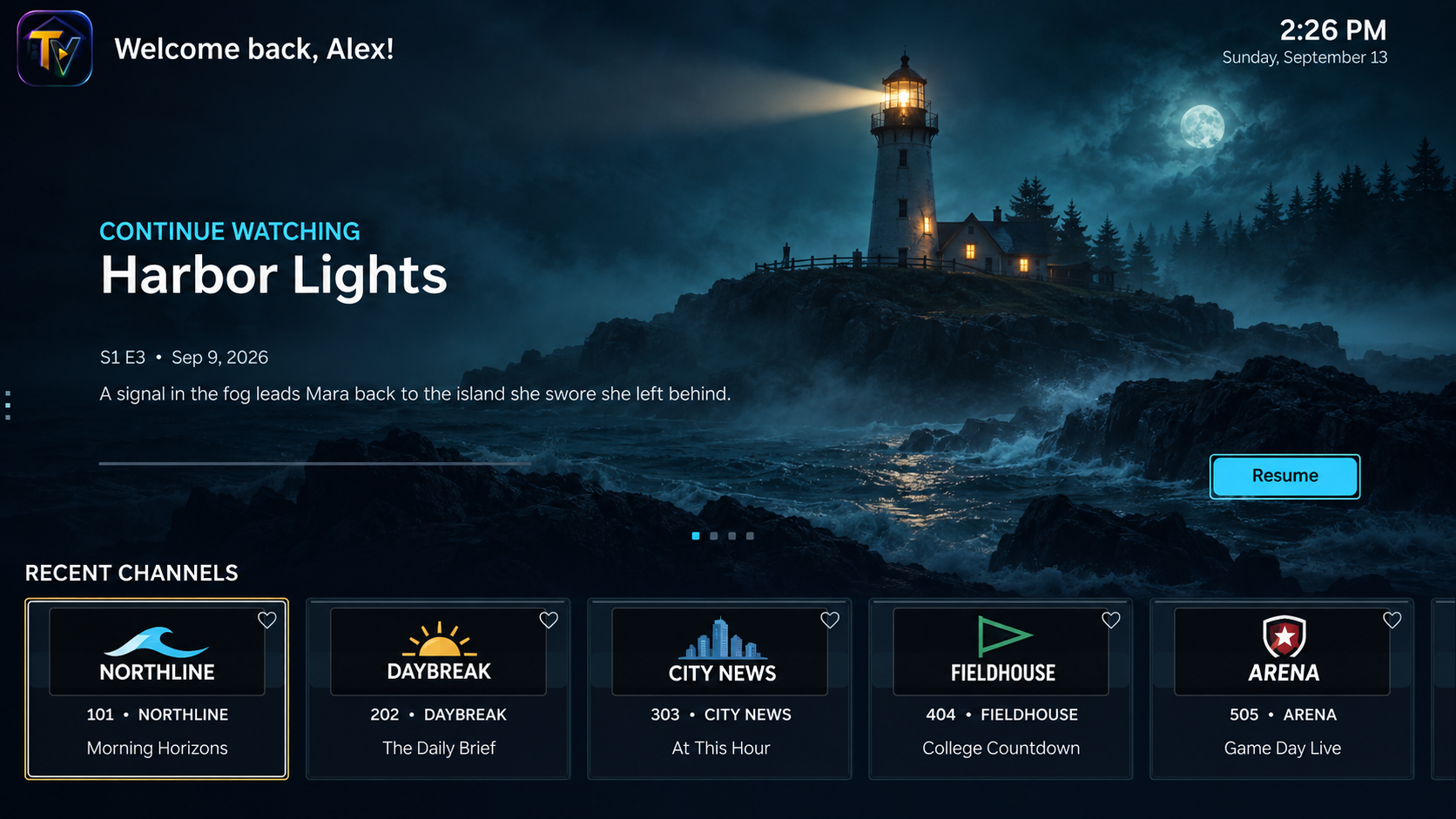
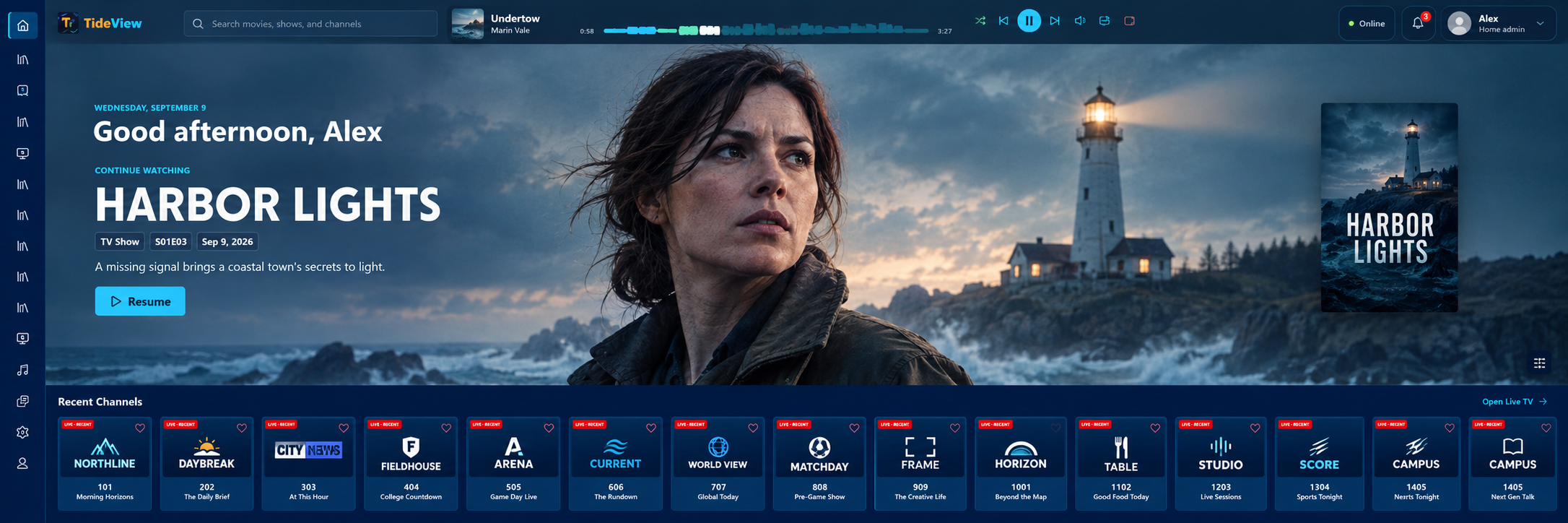
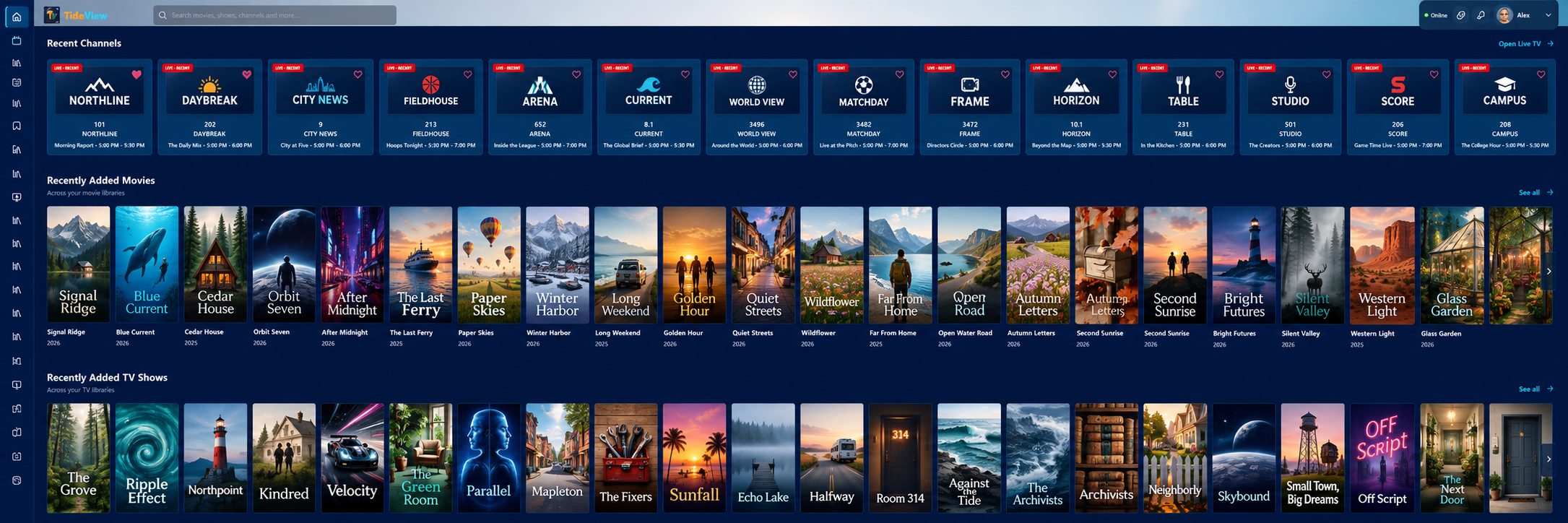
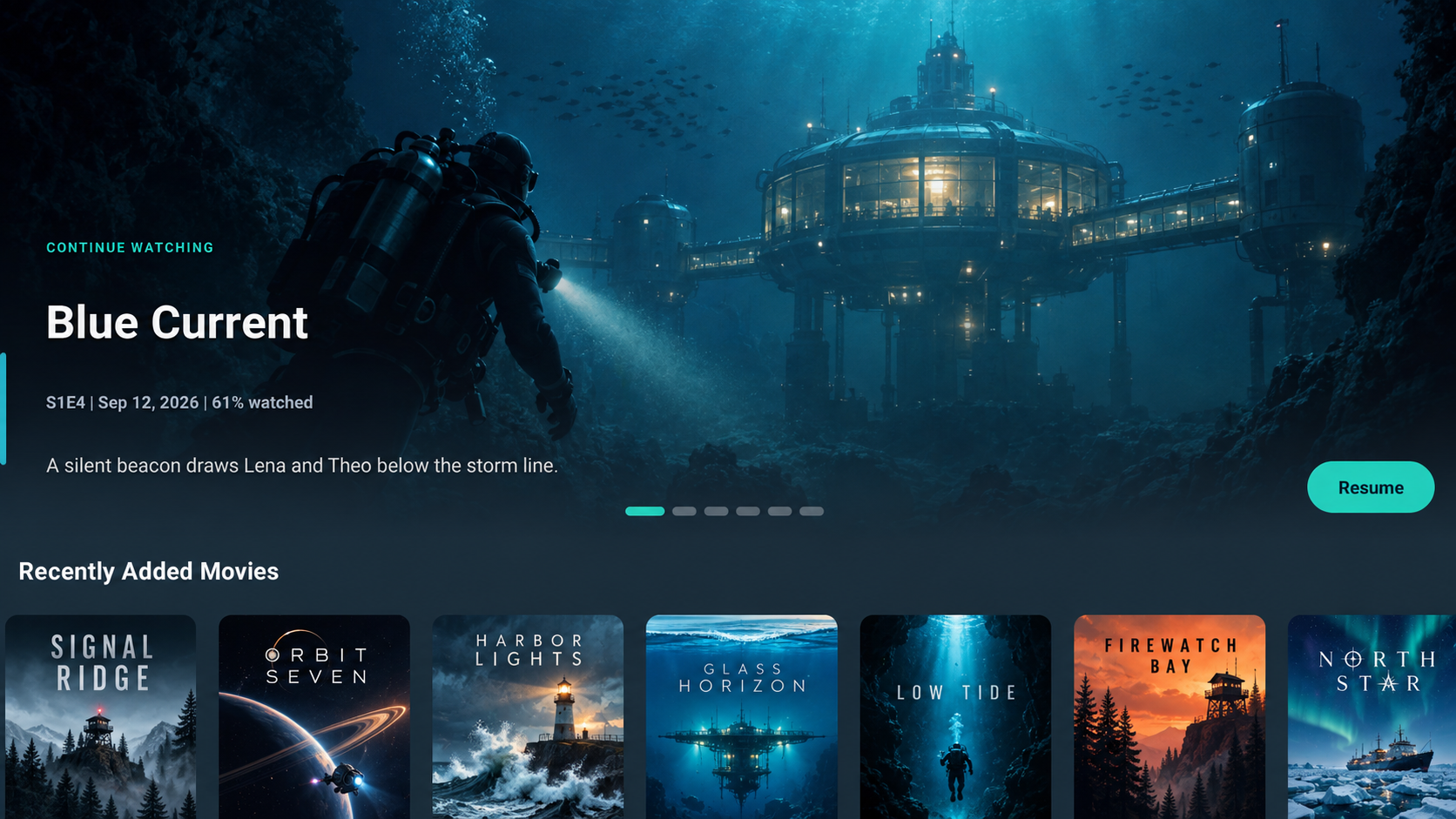
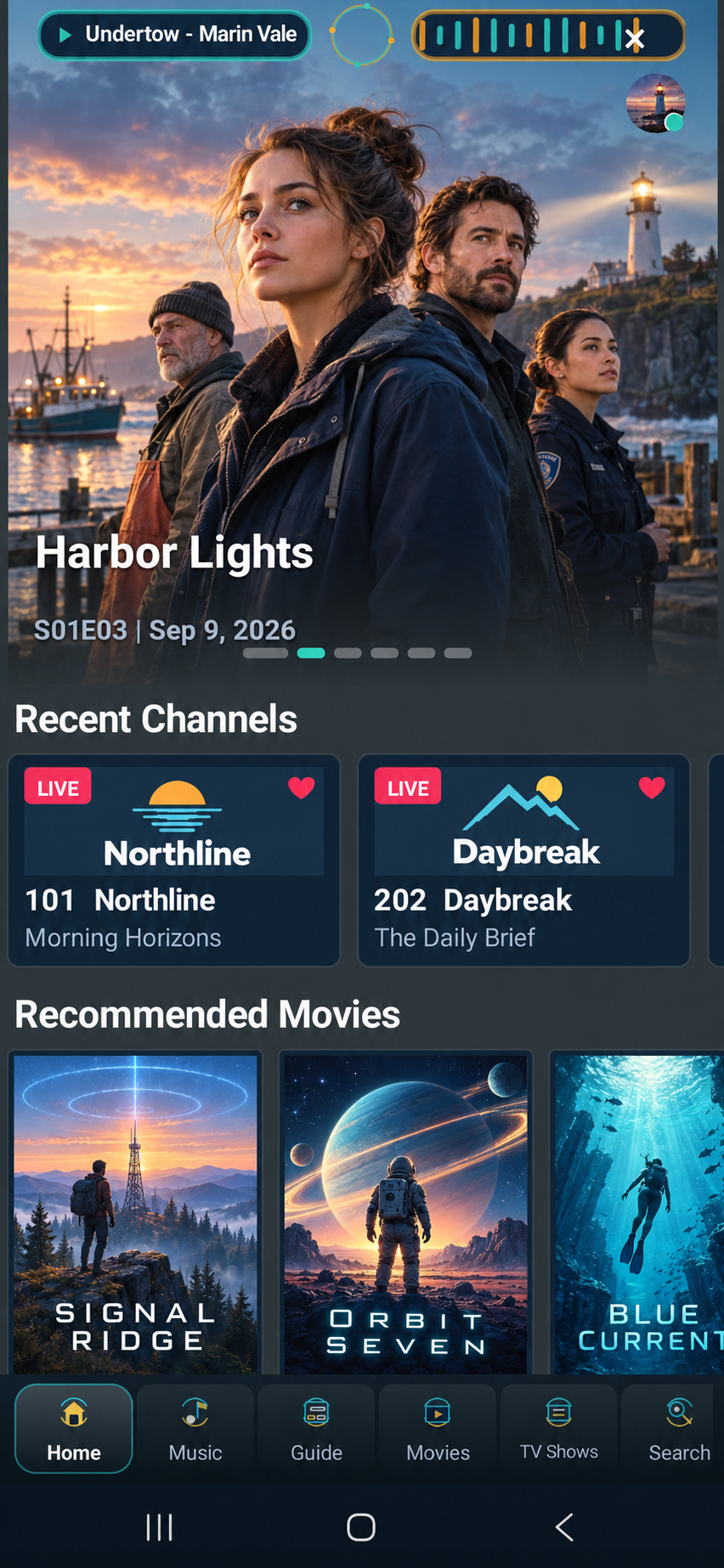
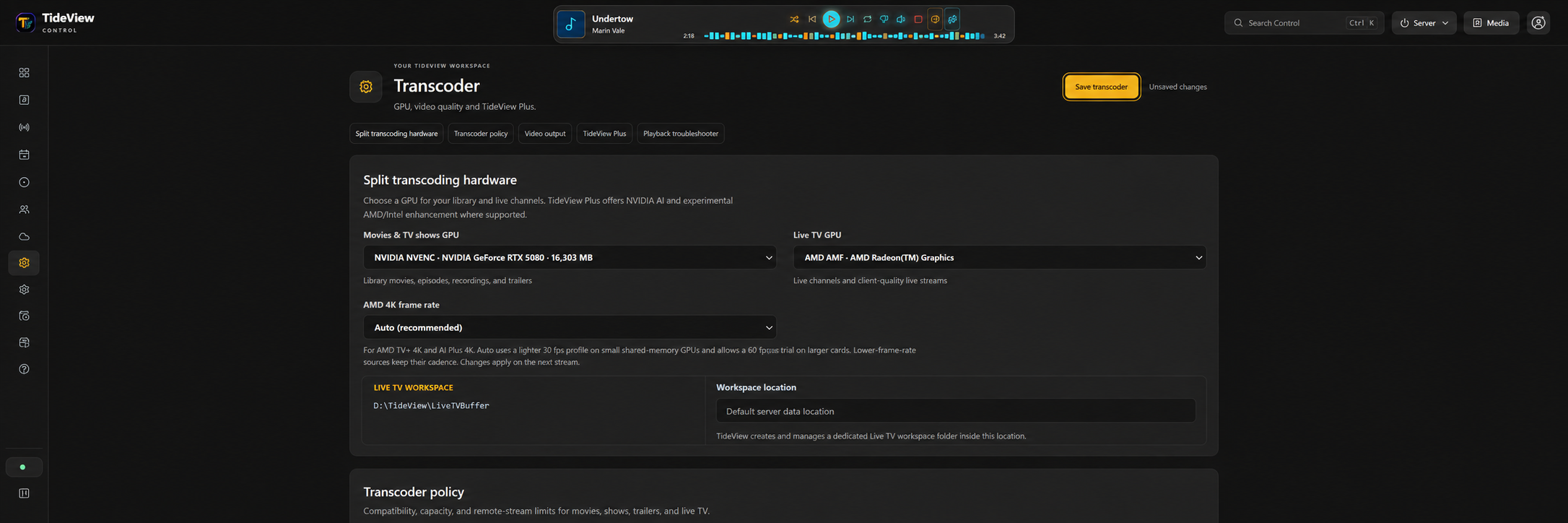
These images use real TideView client layouts with fictional media, channels and personal details prepared for the public site. Depicted content is not a promised catalog. Final layouts and features may change during alpha.
YOUR SCREEN · YOUR STYLE
Choose from theme options for TideView Control and supported client apps. Your server dashboard and each viewing screen can keep their own look while staying part of one TideView experience.
ANDROID MOBILE
Browse your server, continue watching, take TideShift Music with you and securely reach the memories you choose to share—inside the same TideView app.
The phone experience is part of TideView, with navigation and controls designed for touch.
Your personal library and backups remain on storage you control.
The interface adapts to the phone without turning TideView into another product.
GUIDE · LIVE TV · DVR
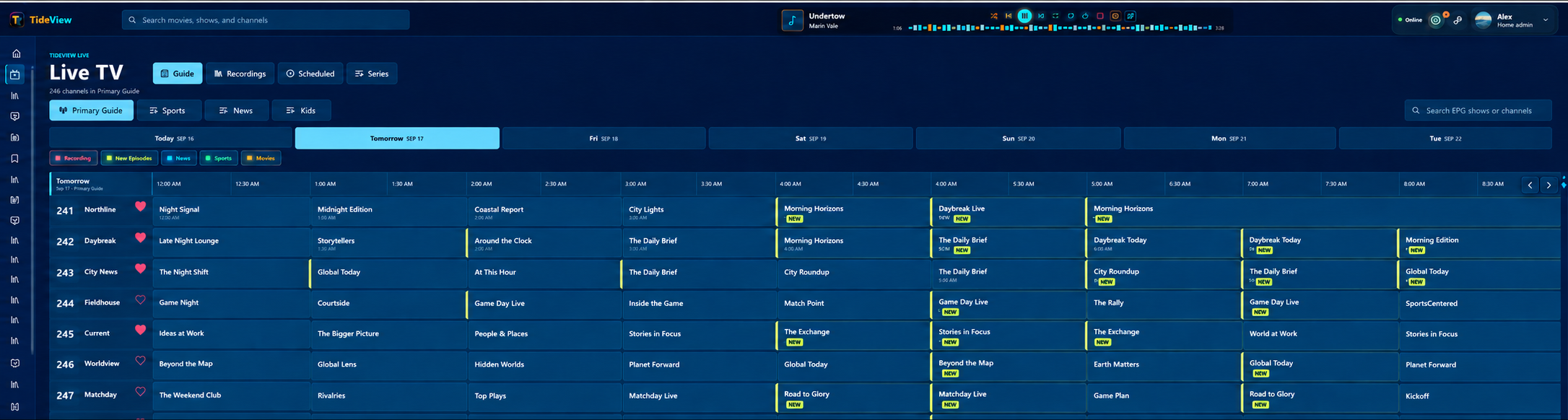
Bring together supported tuners and sources you’re authorized to use, move between guide tabs, favorite channels and record supported programming from one calm, couch-friendly home.
NETWORK-TUNER OUTPUT
Let TideView present supported Live TV sources as a compatible network tuner, so media-server software you already use can discover and tune the available channels.
Channel access, guide data and recording rights are supplied separately. Compatibility depends on the receiving software and its network-tuner support.
TIDESHIFT MUSIC
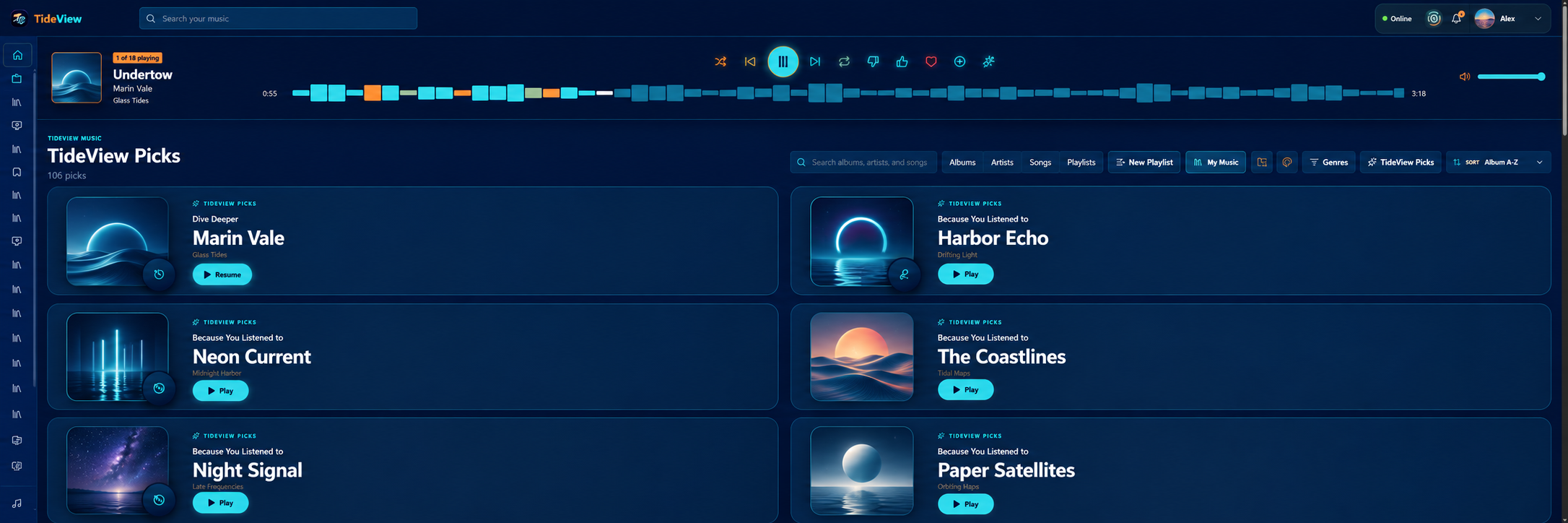
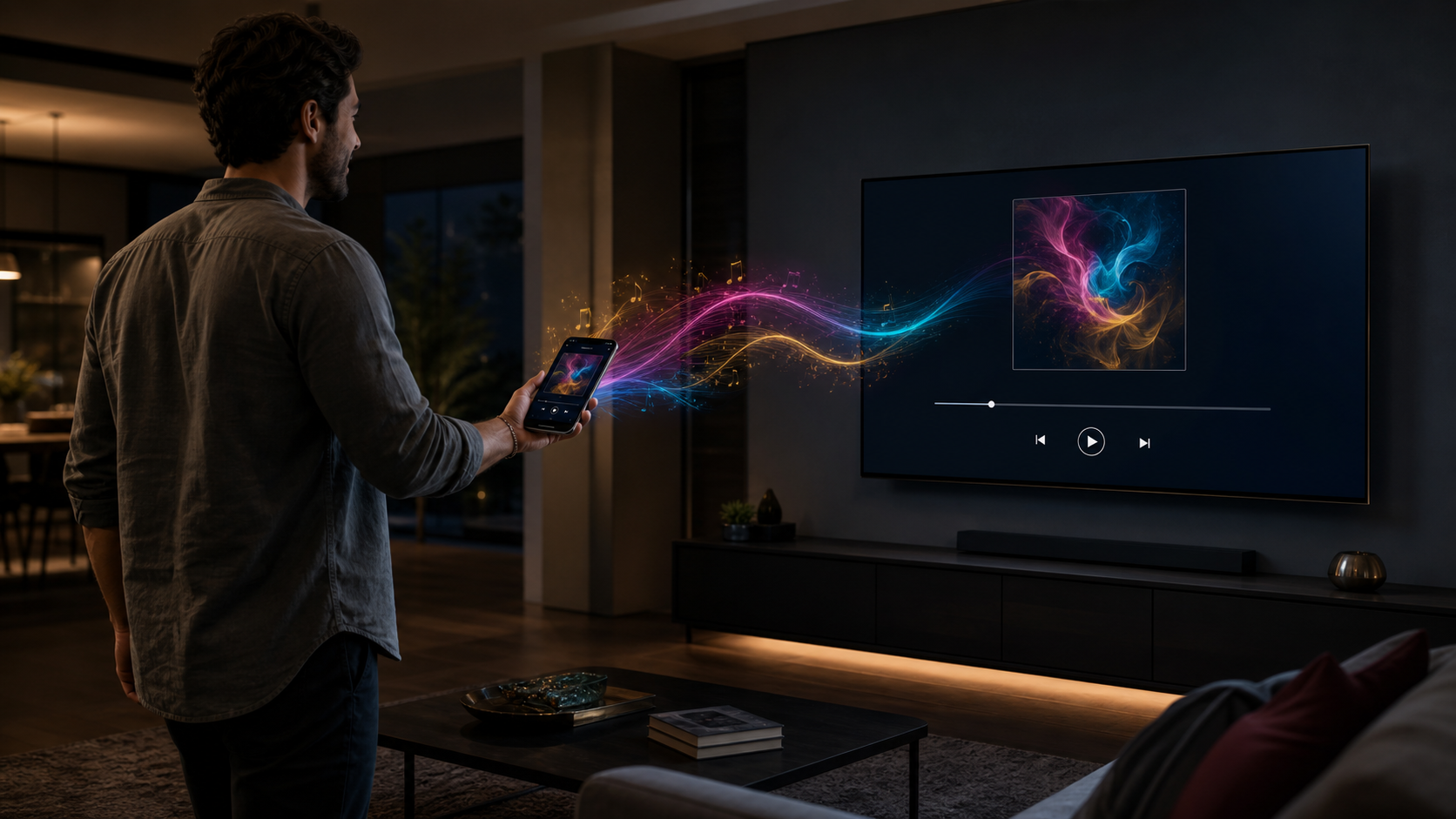
Carry your queue, listening position, shuffle and repeat from PC to phone to Roku. TideShift is not another app—it is music built into TideView.
START HERE · CONTINUE THERE
Move the queue, its order, the current track, playback position, shuffle and repeat—not just a song title.
PHOTO & VIDEO BACKUP
Back up photos and videos from supported Android devices to your safe storage at home—not in some company’s cloud.
You control the server, available storage and who can connect.
BUILT DIFFERENTLY ON PURPOSE
Some media experiences are built to steer you toward somebody else’s catalog. TideView is being built around the server, screens and collection you already own.
Your own movies, shows, music and memories stay at the front of the experience.
Photo and video backup lands on storage you control at home.
TV, mobile, desktop, music, guide and backup belong to one TideView experience.
The planned server plan is $4 a month after a 7-day trial—without hiding the core story behind another premium tier.
THE PRODUCT, NOT A PROMISE
These are actual TideView interface layouts, prepared for the public site with fictional artwork, names and library data.
GETTING STARTED
We’re designing setup to feel guided, clear and fast.
Set up TideView on your Windows PC.
Choose the folders, tuners and authorized sources you want.
Sign in on Roku, Android TV, Android mobile or the web.
Set profiles, arrange the home screen and start watching.
PERSONAL MEDIA COMES FIRST
Sign in to your own server and your library leads the experience. We don’t want to push a streaming catalog in front of the movies, shows and memories you came to enjoy.
Planned free streaming would have its own place in navigation, alongside your media—not instead of it.
Your media stays on your server, and your devices connect directly to it.
At home, you can keep watching even if TideView’s online services are unavailable.
Remote access depends on your server, internet connection and connection services. We’re building redundant DNS and backup connection options into our remote-access approach to improve resilience. Redundancy reduces reliance on one service; it does not guarantee uninterrupted remote access.
MORE THAN A MOVIE LIBRARY
The early-adopter server plan brings TideView’s personal-media features together. Use what matters to you, without paying for optional third-party services you don’t need.
Your folders become a browsable library, with profiles, watch progress, favorites and recommendations built around your viewing.
Take your album queue and listening position from PC to phone to Roku. Press Play on the next device and keep the music moving.
Back up memories from supported Android devices to storage on your own server. Keep control of your library and the space it uses.
Explore optional TideView Plus upscaling for supported sources, with advanced processing on compatible hardware. It’s part of the server experience, not a separate feature tier.
Bring supported tuners and sources you’re authorized to use. Add guide data if you want it, and record supported programming where permitted.
Explore compatible, owner-supplied games on PC and Android. Manage users, connected devices and server activity through TideView Control.
Features are in development and vary by device. Hardware, storage, content rights and optional third-party services are separate. Advanced AI and Games are alpha features.
THE SPORTS TAB
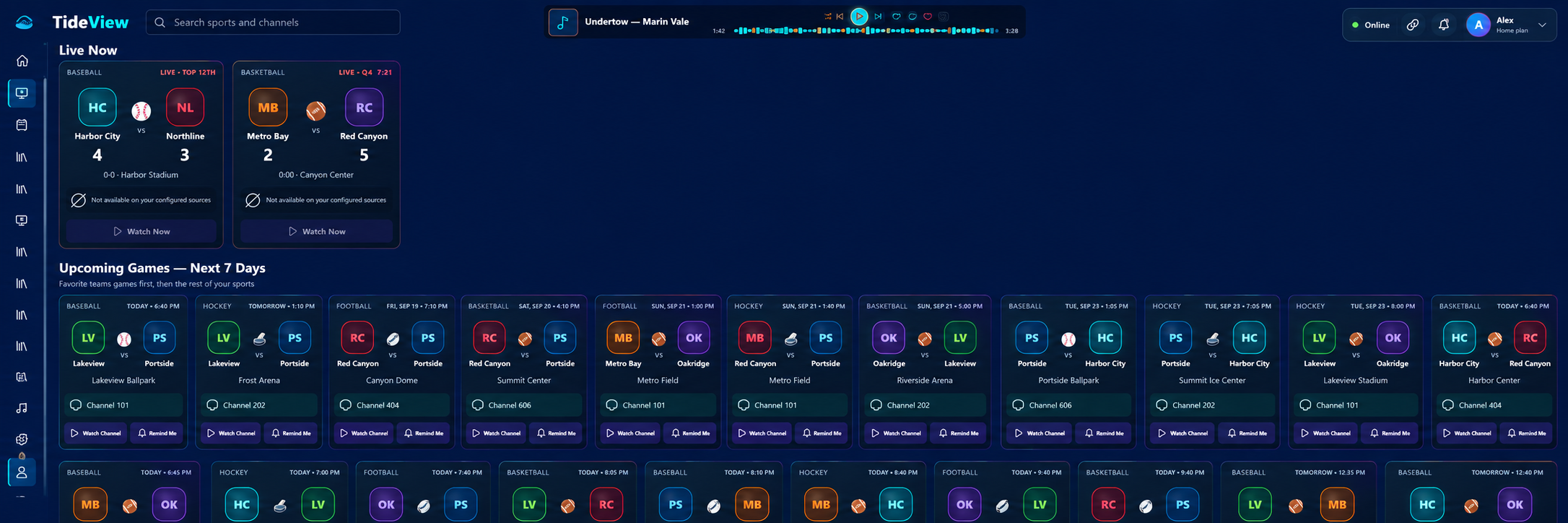
Choose your favorite leagues and teams, then bring live games, upcoming matchups and available broadcasts together in a personalized sports hub.
Included in the server plan. A listing or score is not a subscription to a sports channel.
Follow supported leagues and teams, and filter the schedule to the games you care about.
Browse upcoming start times, live scores and game status where sports data is available.
TideView checks the guides you select for a matching broadcast. Open an available channel—or see clearly when a game isn’t on your configured sources.
Save upcoming-game reminders for supported Android clients using the same profile, with notifications enabled.
FOUR-VIEW · ANDROID TV ALPHA
Put up to four live channels on one television and keep the action in view. Four-view is currently an Android TV alpha feature.
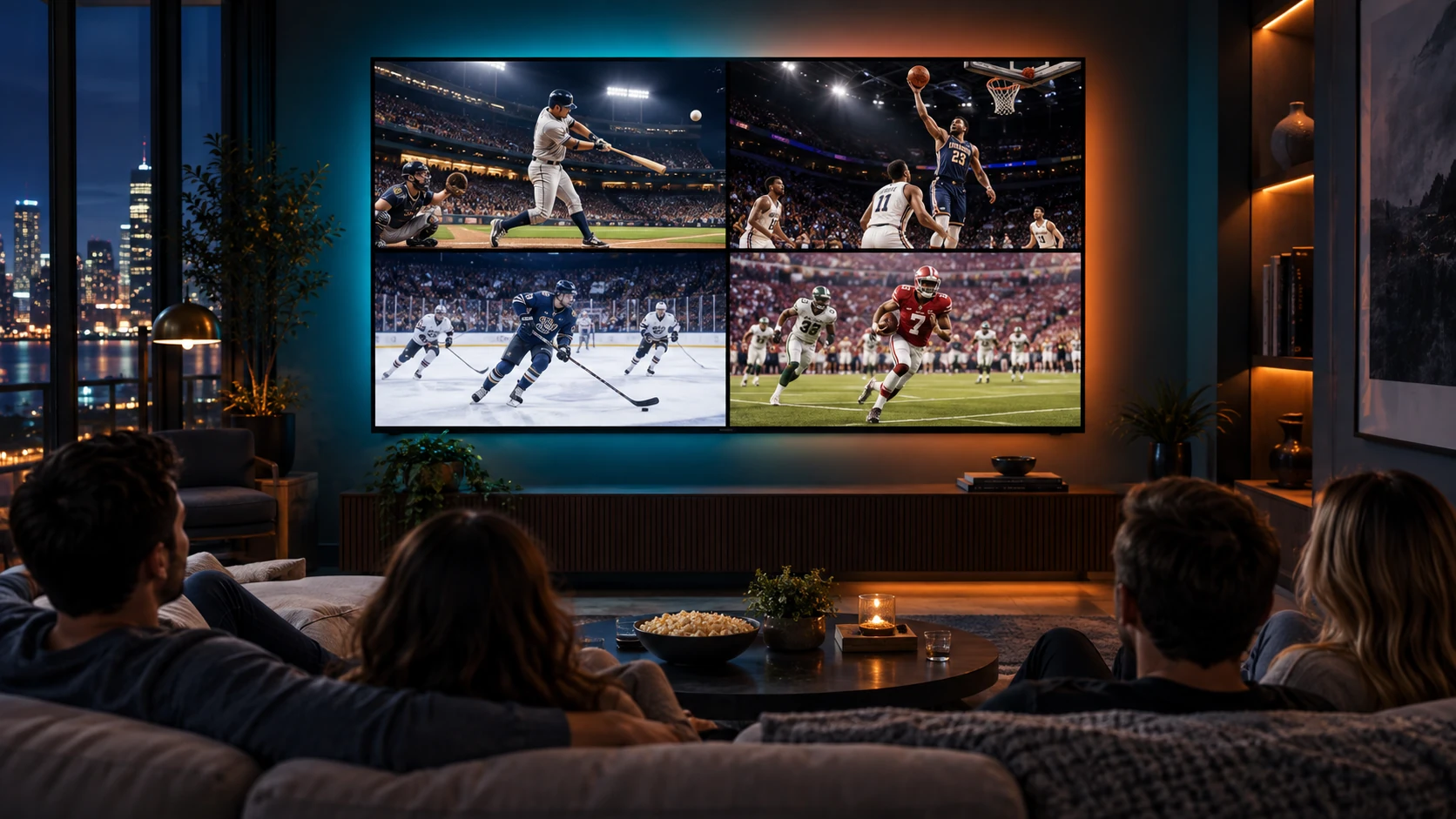
Broadcast access requires a compatible source you’re entitled to watch. League coverage, data, reminders, four-view performance and device support may vary. No sports broadcast rights or channels are included or guaranteed.
TIDEVIEW TV+ · ALPHA
Get closer to the waves and fine detail. Drag the divider to compare the original with an actual output from our Advanced AI High prototype. Choose a zoom level below.
Designed for the demands of live TV, with real hardware limits.
See the hardware guidance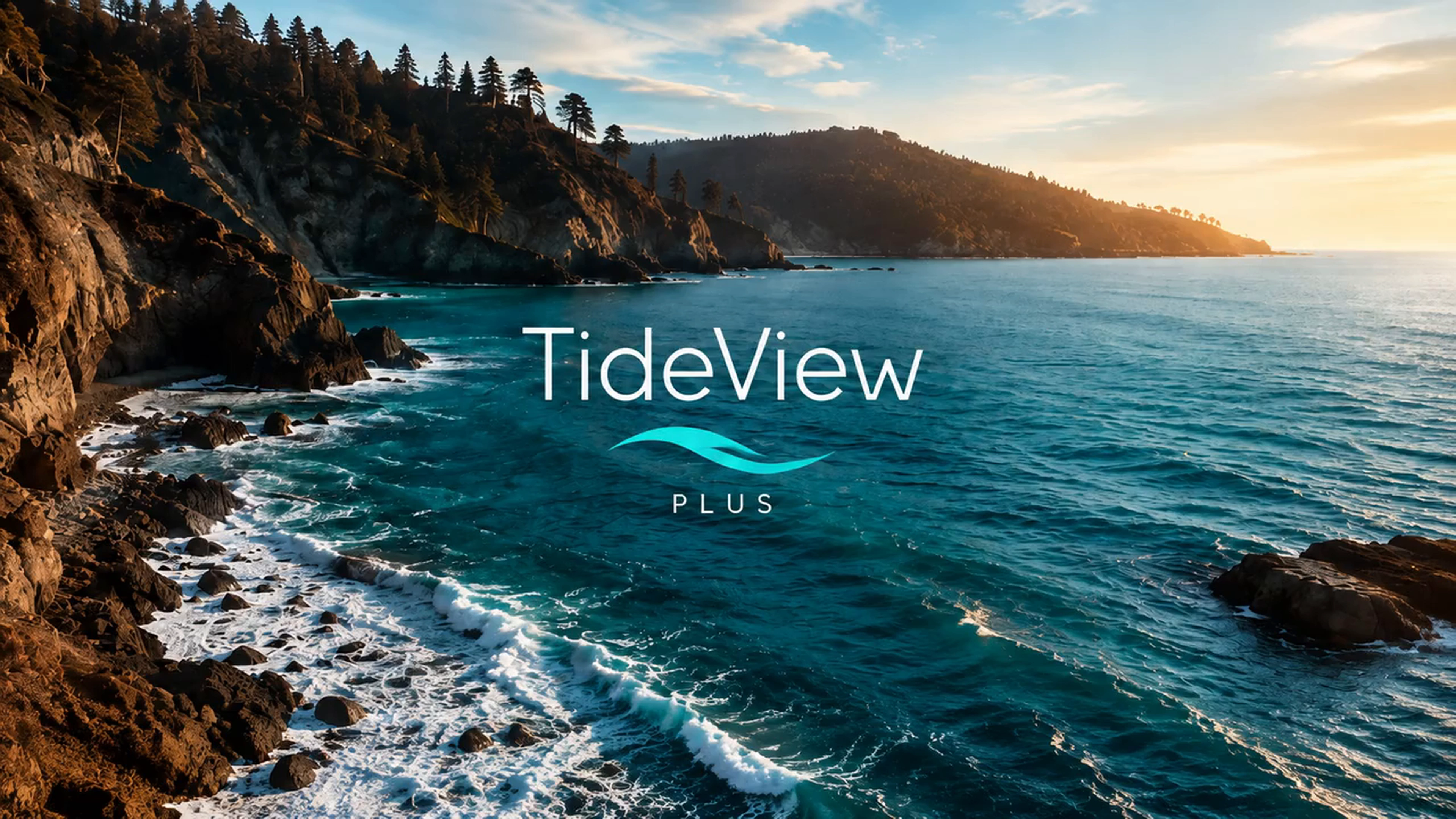
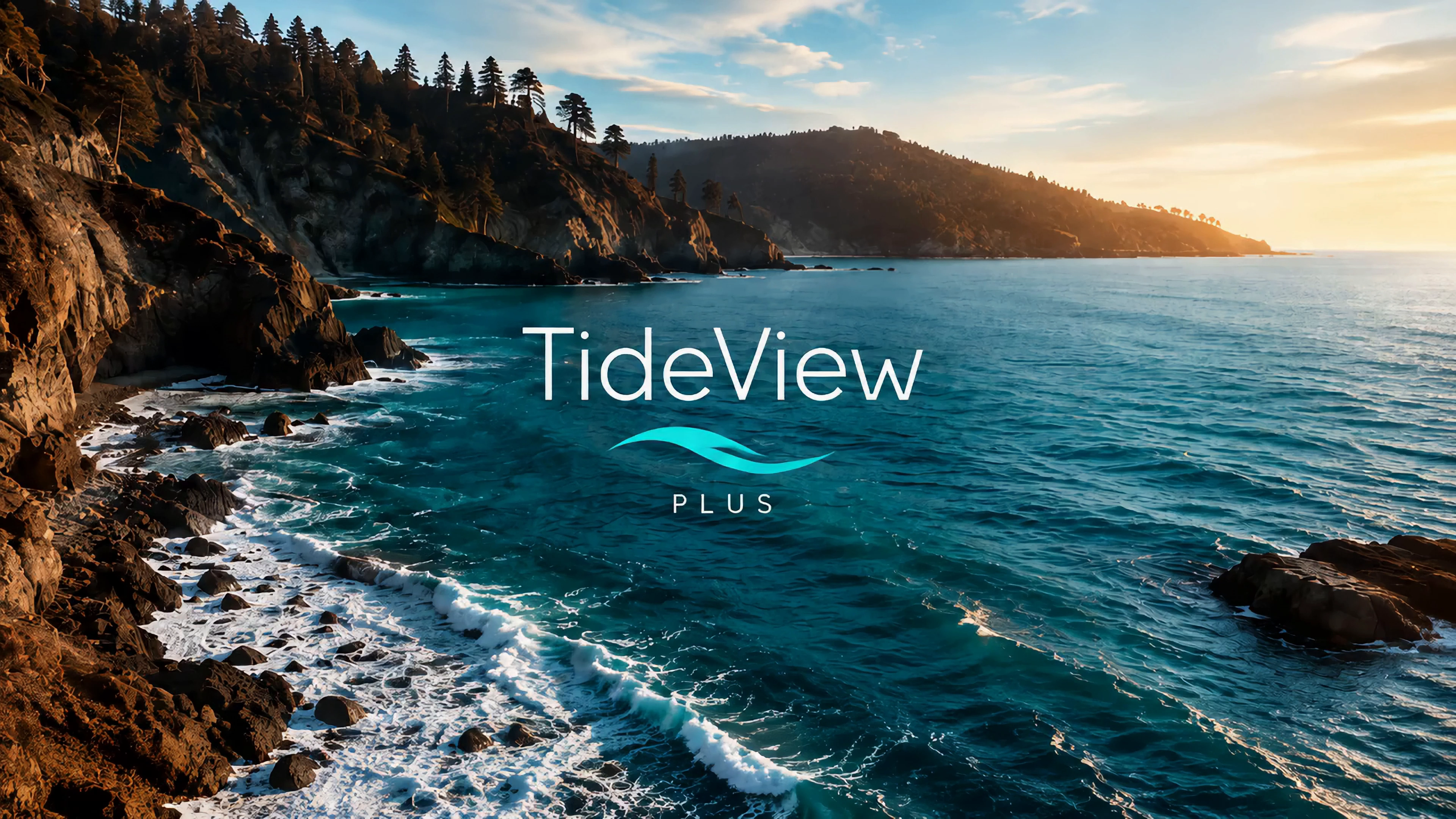
2× detail · matching 1920 × 1080 area from each 4K frame.
Original AI-generated TideView ocean artwork was reduced to 1280 × 720 and encoded as H.264 at CRF 23 to create a simulated compressed source. The left side enlarges that decoded frame to 3840 × 2160 with Lanczos. The right side is the actual output of TideView’s Advanced AI High prototype, powered by NVIDIA VideoSuperRes quality 3 with the live causal temporal filter. Both show frame 30, with identical framing and no additional sharpening or color adjustments.
This still demonstrates appearance on generated artwork, not motion quality, a native 4K capture, or performance across all content.
MEET YOU WHERE YOU WATCH
These are our planned launch clients. Availability will depend on alpha testing, device compatibility and applicable app-store approvals.
Compatible streaming players and Roku TVs.
Compatible Android TV and Google TV devices.
Android phones and tablets, at home or on the go.
A Windows server and browser-based media and controls.
iPhone and iPad are not part of the announced launch lineup. Specific supported models and OS versions will be published as alpha testing progresses.
SUPPORTING THE SOFTWARE YOU USE
A small subscription helps us keep building, testing and improving TideView.
Your contribution helps cover the ongoing work and real costs of starting and running an independent media software company.
New features, bug fixes, security updates and compatibility work as devices and operating systems change.
Test servers, GPUs, tuners and playback devices so we can check TideView on real setups.
Development tools, code-signing certificates, and the software and service licenses behind TideView.
Hosting, account and billing services, customer support, and the everyday costs of running the company.
Your early-adopter rate stays $4/month while you remain continuously subscribed.
Start with a 7-day free trial, then continue with the $4/month early-supporter server plan. Your access is saved to the Google account you choose.
EARLY-SUPPORTER SERVER PLAN
7-day free trial
Support TideView development while early access is prepared.
Start with GoogleUSD. Renews monthly until canceled. The public app is not available yet; your payment supports development and does not promise a public release date. Hardware, storage and optional third-party services are not included.
A LITTLE EXTRA, INCLUDED WITH YOUR SERVER
A tiny stunt kernel. A very questionable movie budget.
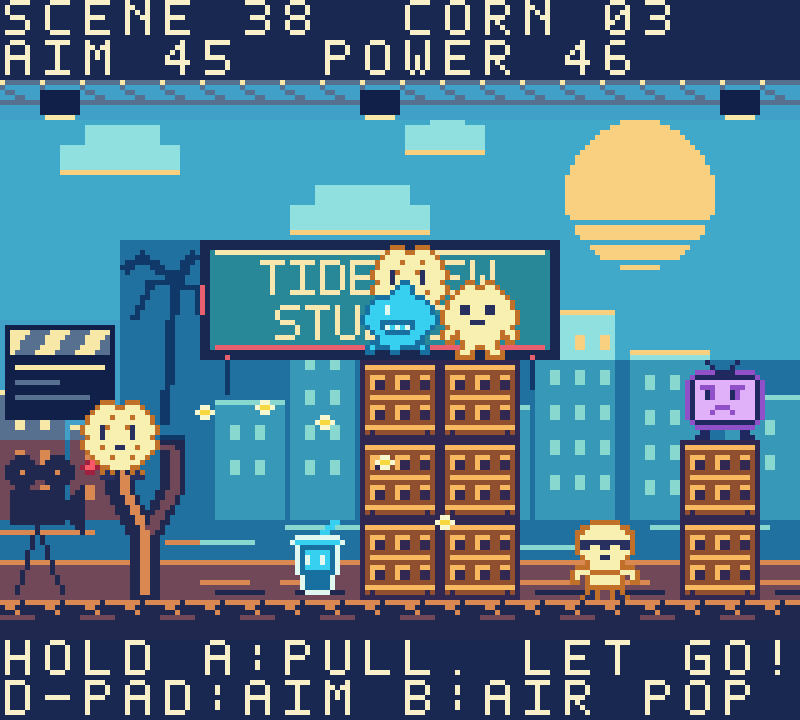
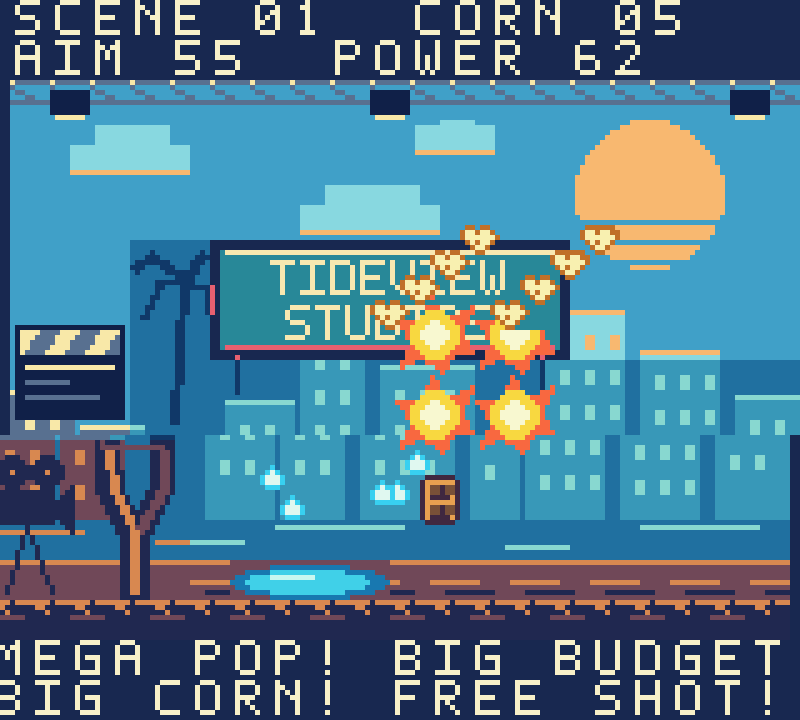
Meet our in-house movie-set slingshot game. Fling popcorn through 38 increasingly tricky scenes, topple the scenery, spill the soda and send the critics flying. Falling props can start chain reactions, and that big popcorn floating overhead is just asking to be popped.
We’re not game developers… but we tried.
We make media software. This is our little bonus for the moments between movies.
Bundled with TideView, so there’s already a game waiting in Games. Play on compatible PC browsers and Android devices. Android mobile also gets 13 handheld skins, including four TideView graffiti designs.
More about our included game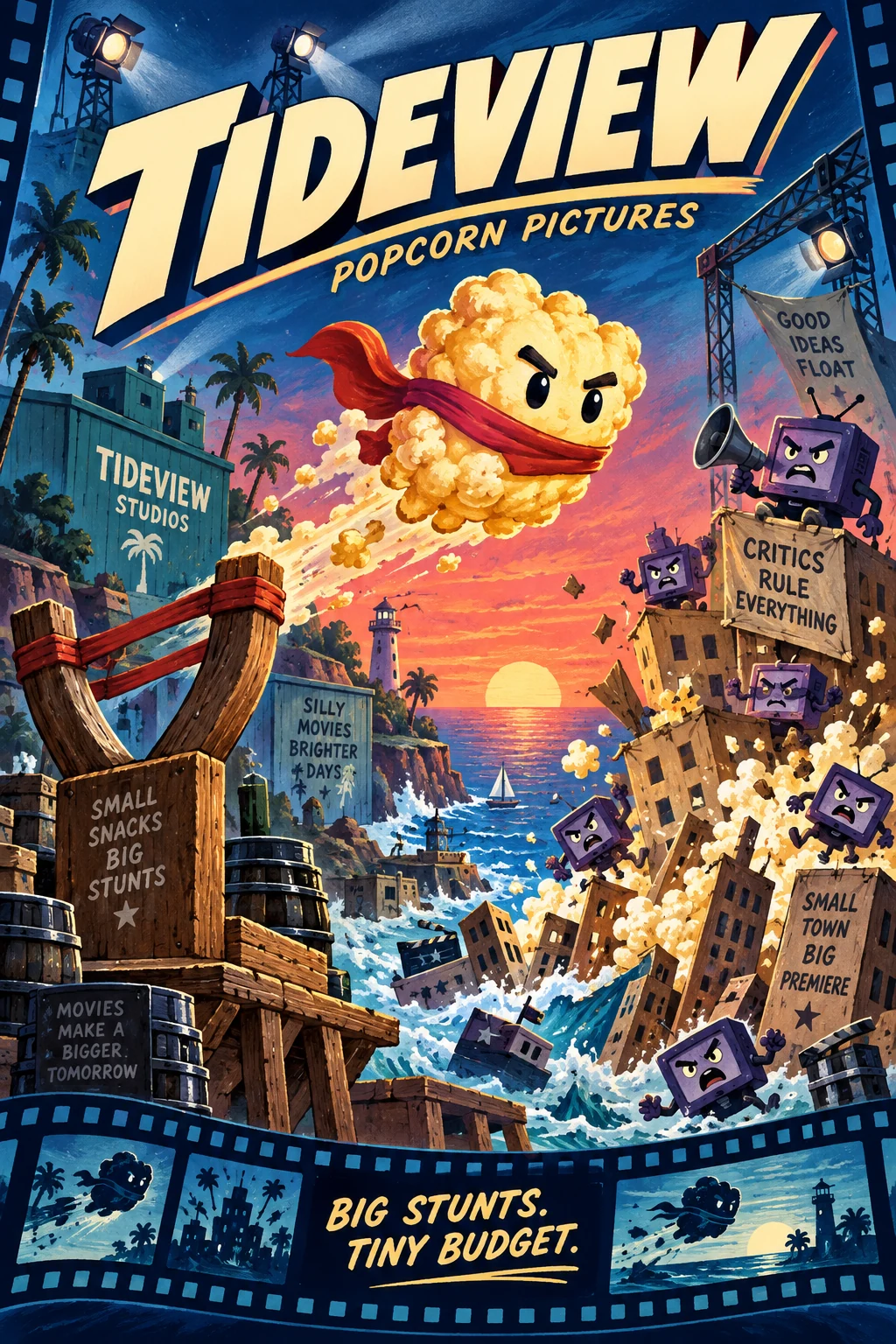
ON OUR ROADMAP
We plan to bring free, ad-supported live TV channels and movies & shows on demand to TideView.
The intended experience is simple: open the app and watch with commercials, without an account, a personal server or the $4 server subscription.
For server owners, that content would live in its own navigation tabs. Your personal media stays first.
Launch depends on securing content and advertising agreements. No partner, channel lineup, on-demand catalog or release date is confirmed. Availability may vary by region.
BUILD YOUR OWN HOME BASE
Preliminary Windows server targets for alpha planning. These are not yet validated minimum specifications; final requirements will be refined through testing.
Swipe for the recommended setup
| Component | Minimum targetSmall library · direct playback | Recommended targetMore room for your collection |
|---|---|---|
| Operating system | Windows 11, 64-bit (x64) | Windows 11, 64-bit (x64), kept up to date |
| Processor | Modern 4-core x64 CPU | Modern 6-core or better x64 CPU |
| Memory | 8 GB RAM | 16 GB RAM or more |
| System storage | SSD with 20 GB free for TideView and its working data | SSD / NVMe with 50 GB or more free for working data |
| Media & backups | Additional storage for your collection, recordings and photo backups. Required space grows with your library. | |
| Graphics | Integrated graphics for compatible direct-play media; AI enhancement off | Compatible hardware video encoding for media conversion; GPU needs vary by format |
| Home network | Reliable wired Ethernet or Wi-Fi | Gigabit Ethernet to the server; strong Wi-Fi or Ethernet for clients |
TV+ high-quality upscaling is being developed around NVIDIA GeForce RTX 5070, 5080 and 5090 GPUs. Older GPU compatibility is unconfirmed. Model-specific support and performance will be validated during alpha. These are separate targets from ordinary direct playback.
Media format, bitrate, library size and simultaneous streams affect performance. Remote viewing also depends on your home upload speed. No stream-count or real-time 4K guarantee is implied.
These requirements apply to hosting your own server—not the planned free, ad-supported viewing service. A PC running Windows 11 must also meet Microsoft’s operating-system requirements.
HELP SHAPE WHAT COMES NEXT
Early-access testing will begin after TideView finalizes its TV guide-data (EPG) provider. Early supporters help us prepare real setups, improve the experience and decide what matters next.
Invitations, supported devices and the eventual public release may be limited or change as testing begins.
Choose your Google account now. Your TideView access will follow it when the app becomes available.
See the early-supporter plan